Overview
This video shows how to create your first project in Quallie.Ai from scratch. You'll learn how to set up your workspace, upload your discussion guide, define your project objectives, and upload interviews — all in a few quick steps.
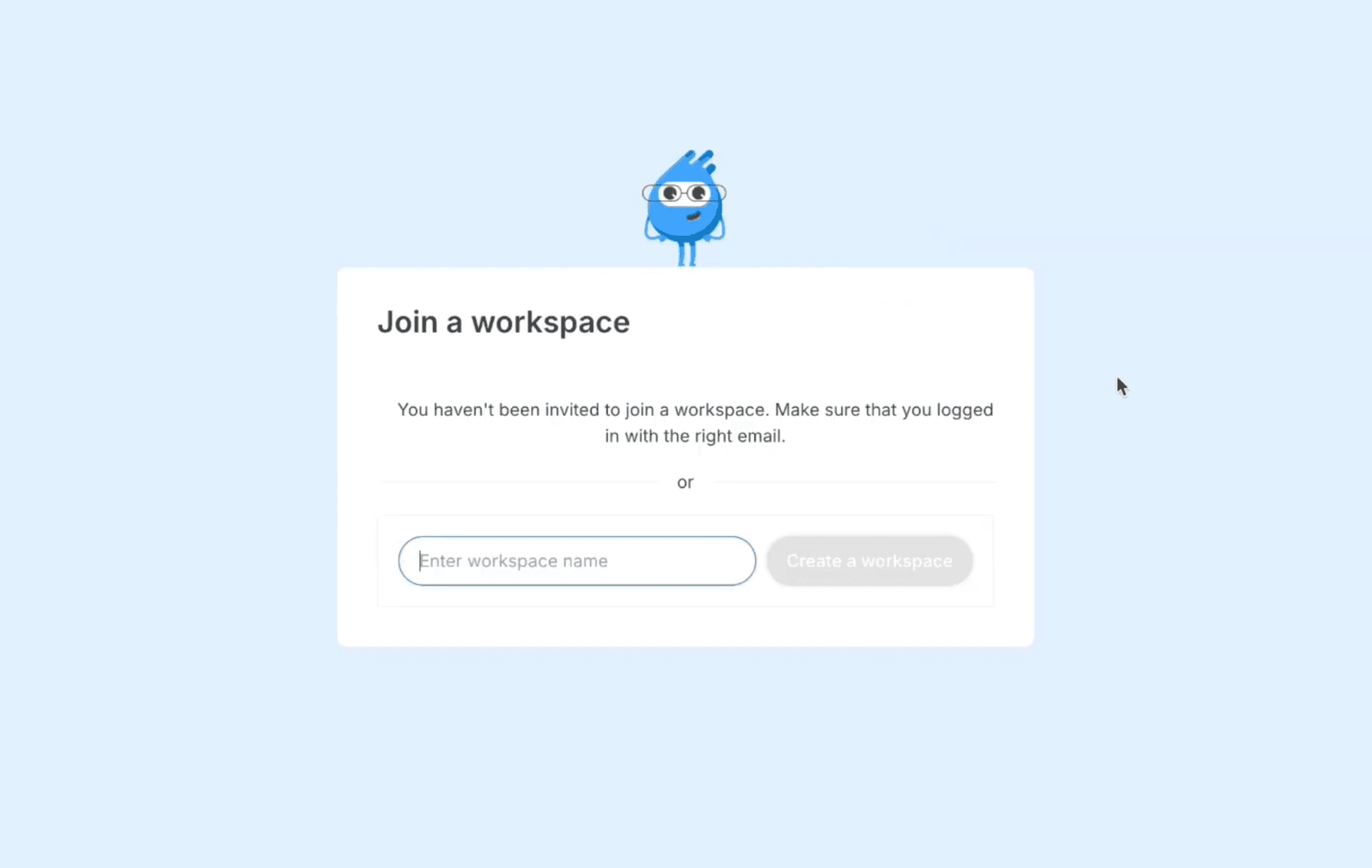
1. Set up your workspace
Start by creating an account and naming your workspace. Most users choose their company name as the workspace name because it acts as an umbrella for all your research.
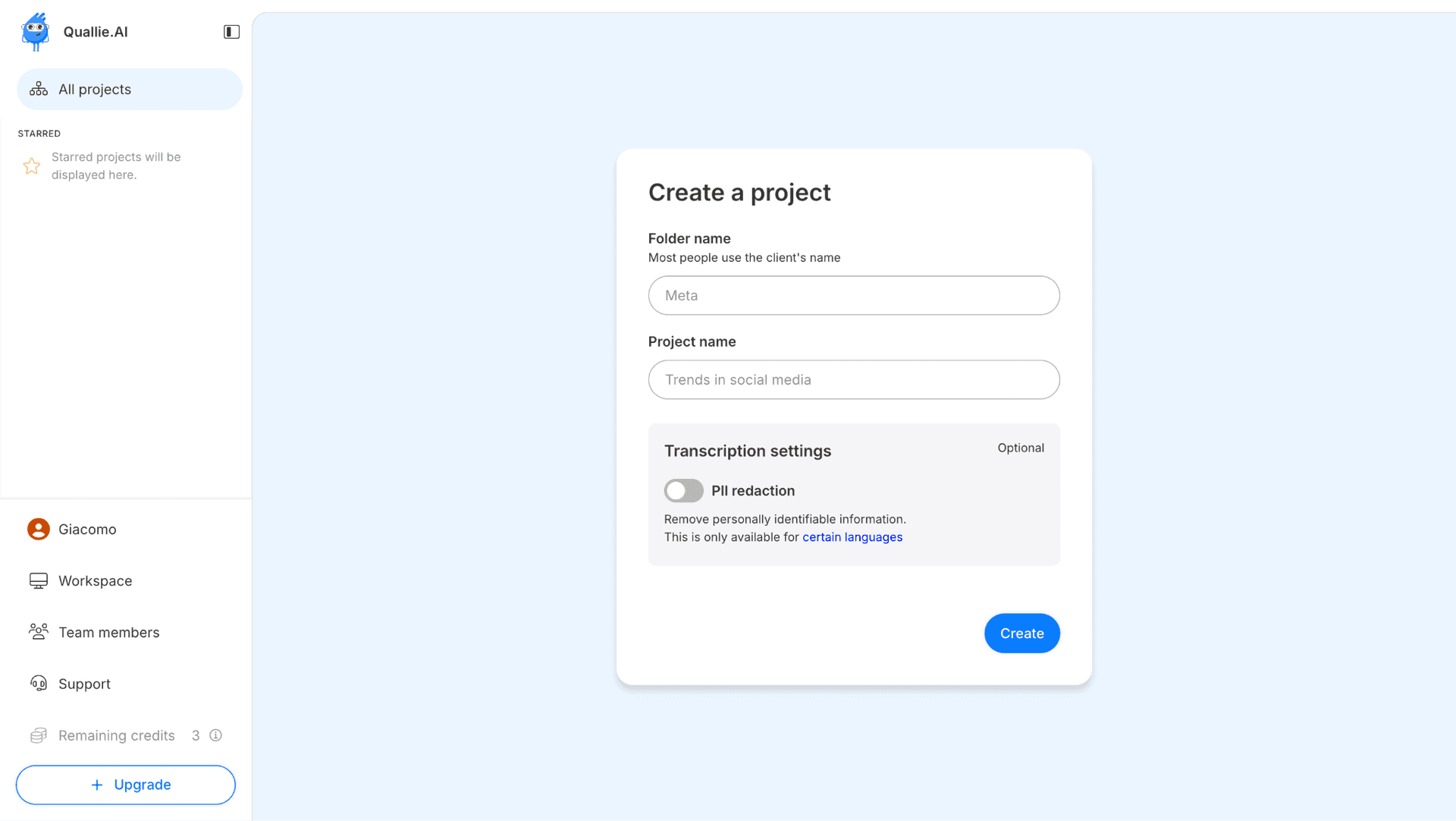
2. Create a project
Projects help you structure your research by client and assignment. Begin by selecting a folder name (usually your client), then define your project title based on the specific research you're conducting. You can also enable automatic PII redaction across transcripts to protect participant privacy from the start.
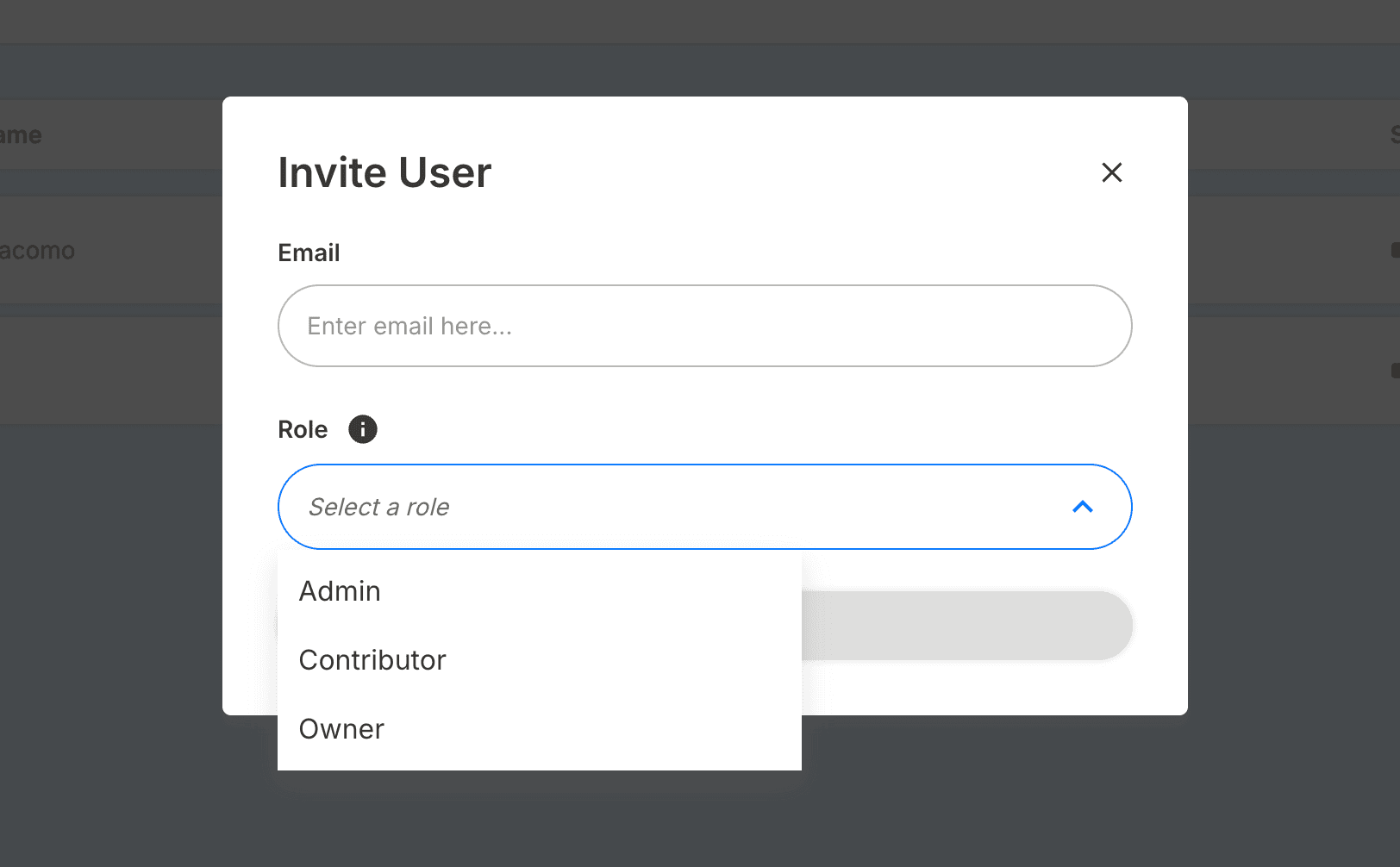
3. Invite collaborators
Bring your team into the project by inviting collaborators directly from the workspace settings. Assign roles based on access needs — contributors can work within specific folders, while admins and owners have full visibility across the workspace. This ensures the right people have access to the right data.
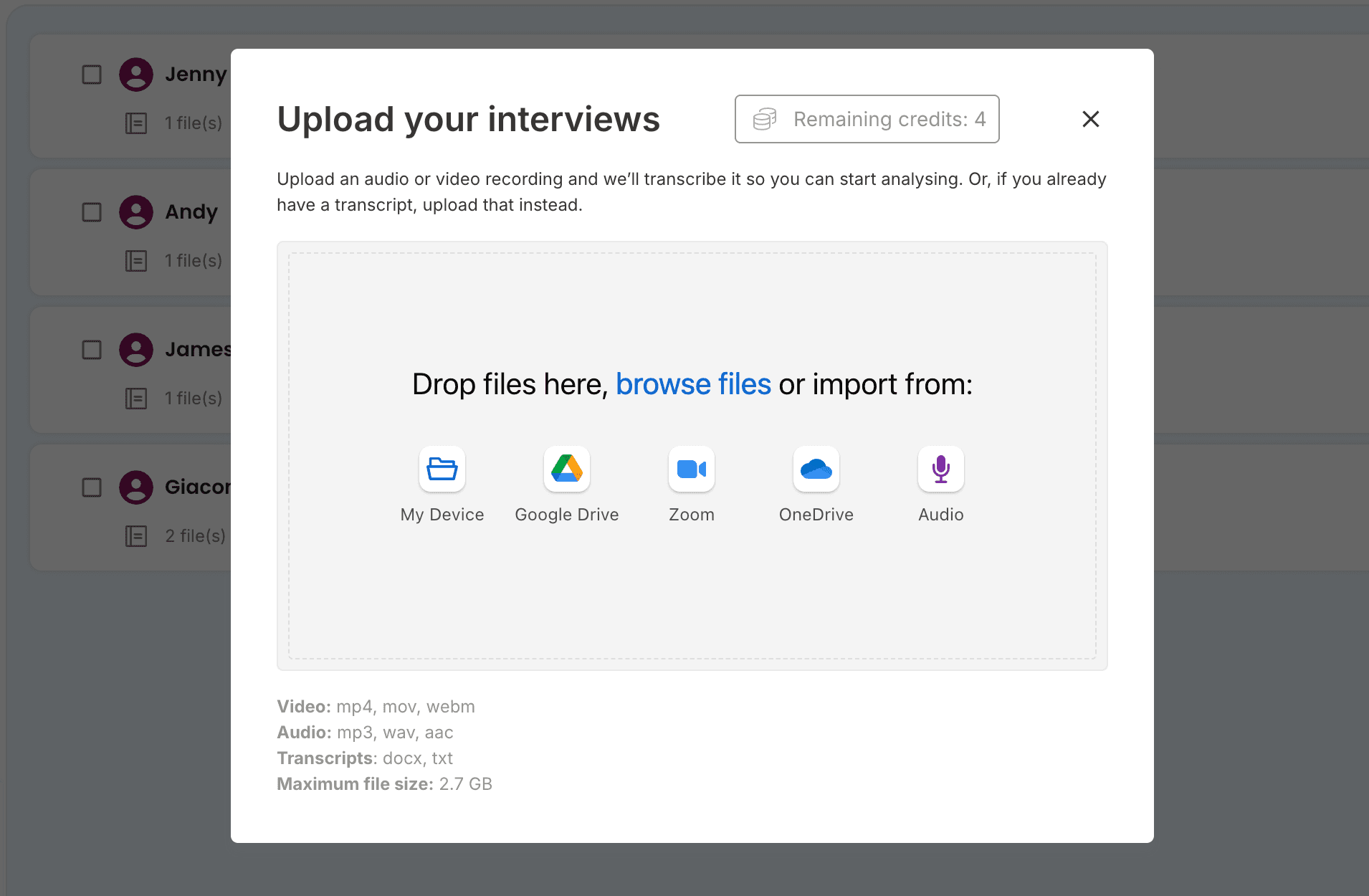
4. Upload your interviews
Finally, upload your recordings. You can upload directly from your computer or connect to services such as Google Drive, OneDrive, or Zoom to import files seamlessly. Click Continue once all files are uploaded and your project is ready to go.